


Description
Ever wonder why your ebook sales page gets views but no sales? Or no views at all?
You can’t fix what you can’t track.

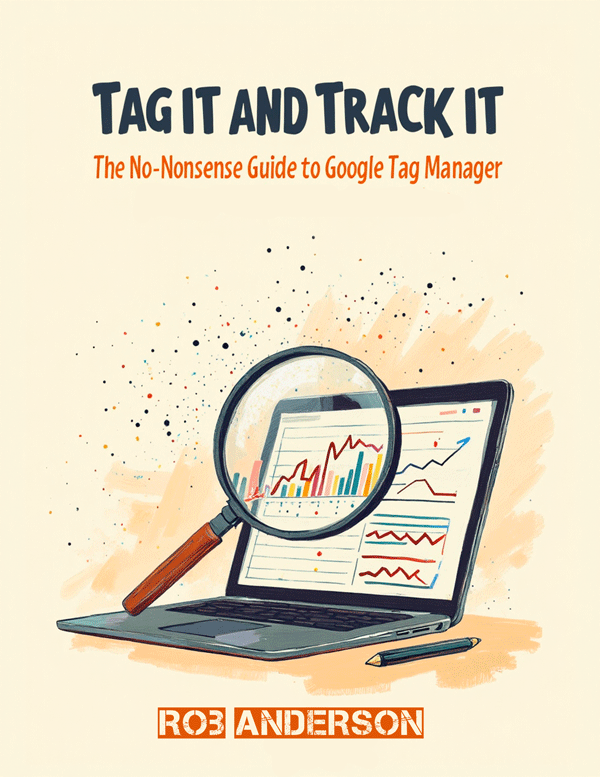
In this friendly Companion Book for ebook authors, I walk you through the one thing most sellers skip — setting up your tracking properly.
Instead of pasting messy code all over your site every time you want to add something new, you’ll set up Google Tag Manager (GTM) — think of it as the clean electrical panel that runs your whole tracking setup from one place.
Inside You’ll Learn How To:
- What Google Tag Manager, Google Analytics 4, and a Tracking Pixel actually do (in plain English)
- Why ebook and digital product sellers need them to sell more
- How to create your free GTM account and install it on WordPress, Wix, Squarespace, Gumroad, Payhip, and Systeme.io
- How to add your Google Analytics 4 tag INSIDE Tag Manager — no more editing code
- How to add your Facebook / Meta Pixel INSIDE Tag Manager so you can retarget people who almost bought
- How to test everything in 60 seconds with Preview Mode and Pixel Helper
- Exactly what 3 reports to check each week so you don’t drown in data
This Book is For You If:
You sell ebooks, printables, craft patterns, templates, or courses and you have a website or landing page you can edit. You are tired of guessing if Pinterest, Instagram, or Google is actually sending you buyers.
What You Get:
- 11-page PDF (including cover) — instant download
- Step-by-step screenshots instructions
- My personal quick-start checklist to make sure it’s working
- Privacy / cookie banner note to keep you compliant
This is Book 7 in my Companion Books Series — extra, bite-sized guides that help you get your ebooks SEEN online.
You wrote the book. Let’s make sure people find it.
File Details:
Format: PDF | Pages: 11 | Size: ∼2.5MB | Access: Instant download after purchase
FAQ
Do I need to know how to code?
Nope. If you can copy and paste, you can do this. I show you exactly where to paste it for the most common platforms.
Is this different from just adding Google Analytics directly?
Yes, and better. With GTM, you paste code ONCE. After that, you add everything else (GA4, Facebook, Pinterest, etc.) inside GTM without touching your website code again. Way cleaner.
Will this work if I only sell on Etsy or Gumroad?
You can add GTM to your own blog or landing page that links to Etsy/Gumroad, which is where you really want to track traffic anyway. Both Gumroad and Payhip also have fields to paste your IDs directly.
Is this the actual code?
I give you the steps to get your own free, unique code from Google and Facebook. That way it’s tied to YOUR accounts, not mine.